ShowShot / Product / Create

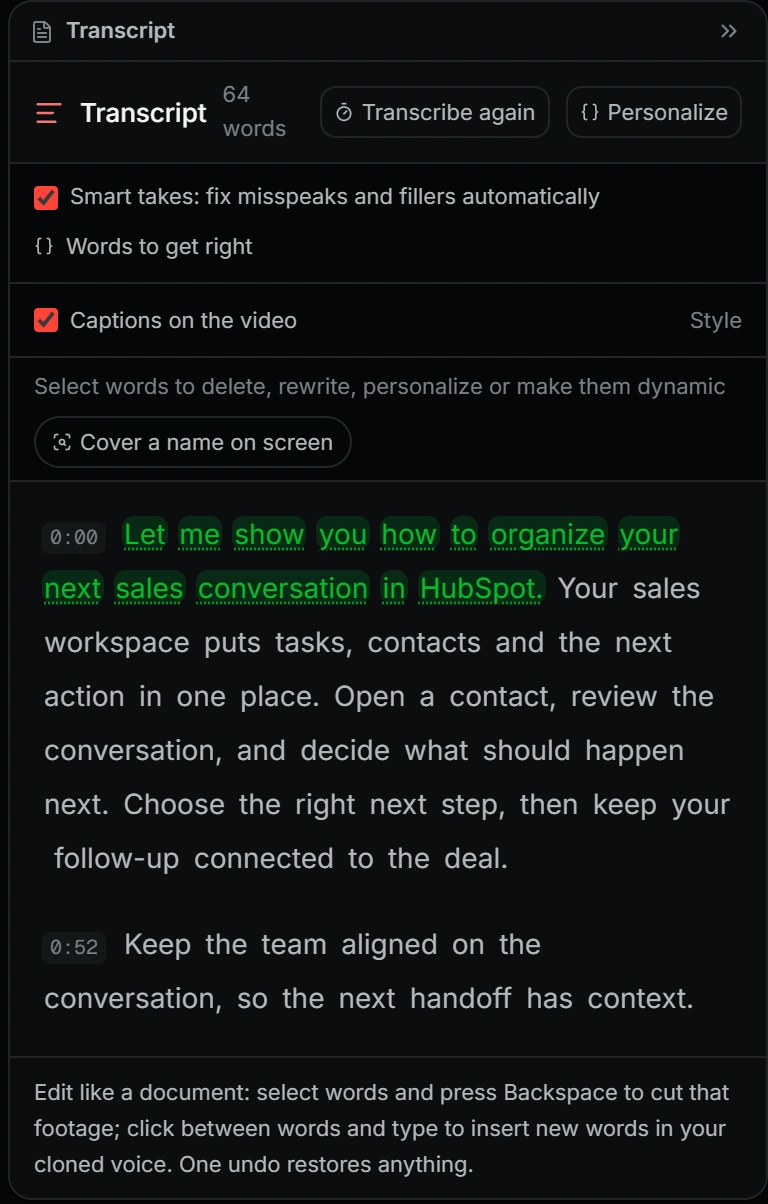
Edit the video by editing its words.

There is a full timeline underneath, with tracks, effects, transitions, captions and keyframed motion. Most days you will never open it, because deleting a sentence in the transcript deletes it from the footage, and typing a new one speaks it in your voice.

Transcript editingMotion inside the timelineAgent chat
The ShowShot editor playing, with the playhead moving along the timeline
Script and Timeline, side by side. Both collapse; the timeline drags to any height.

The transcript is the editor

Select words, delete them, and the video loses exactly that. Type a correction and your cloned voice reads it, lip-synced when the shot is a talking head.

A timeline that behaves

Multi-track, magnetic where you want it, aspect-locked media resize, a playhead that glides off a master clock instead of hitching on every render.

Motion, not a plugin

Double-click a motion clip and the scene unfolds into layer rows in the same timeline. Drag to retime, keyframe diamonds and all. Save the result as a kit and reuse it.

Effects and transitions

A two-tier library: the everyday set up front, the deep bench behind it. Entrance timing defaults to a sane one second and is editable per clip.

Captions and graphics

Burned-in captions styled to your brand kit, callouts, lower thirds, and text that inherits the theme instead of fighting it.

Outputs, not exports

Clips, vertical cuts, carousels, covers, thumbnails and avatar renders come out of the same project and stay attached to it.

Sound that fits the cut

Soundtracks scored to the edit you actually made rather than a loop you have to trim, plus custom sound effects generated for a single moment on the timeline.

Brand kits and templates

Fonts, logo, palette and reusable templates applied across video, slides, captions and motion, so everything a team publishes looks like it came from the same place.

Callouts that snap to words

Point at the thing you were talking about and the callout lands on the seconds you said it, lifted off the page as its own layer.

The ShowShot editor with the effects library open, previewing on the current frame
Effects, open over the editor. Every tile previews on your own frame, not a stock one.

Say what you want. It does it on your timeline.

The agent reaches the whole catalogue, not a demo subset: cut the filler words, make three vertical clips of the best moments, turn this into a carousel, generate a fifteen second ad and drop it at 0:00, apply the brand kit, publish the share. It tells you what it changed and what the provider call actually cost.

TranscriptEditing
0:41and the batch job, um, kicks off nightly
0:47so, um, yeah, basically what happens is
0:52the writes land in a single transaction
0:58which is why it is now under a second ▍
6.2s removedNew line in your voice

The editor, taken apart.

Four real panels from a real session: the chat rail you edit by talking to, the stage, the script that is also the transcript, and the timeline underneath. They are one surface when you work and four when you want to understand it.
Captured, not drawn
Open the studio →
The timelineTIMELINE
The script, which is also the transcriptSCRIPT
The stageSTAGE
The chat railCHAT

Record it once. Deliver it a thousand ways.

No card, no trial countdown, no seat to justify. Record something in the next ninety seconds and see what the link does.