Most personalised video is a stunt. You record thirty near-identical takes, swap a name in the first sentence, and hope nobody notices the rest of the video is the same one everybody else got. ShowShot starts from the opposite idea: record the walkthrough once, mark the seconds that should change, and let each viewer get their own version of those seconds.
The take is the asset
A good walkthrough is expensive. Not in money, in attention. You settle into it, you get the pacing right, you say the thing the way you would say it to a person in the room. That take should be the thing you keep. Everything ShowShot does after Stop is built so the take never has to be repeated.
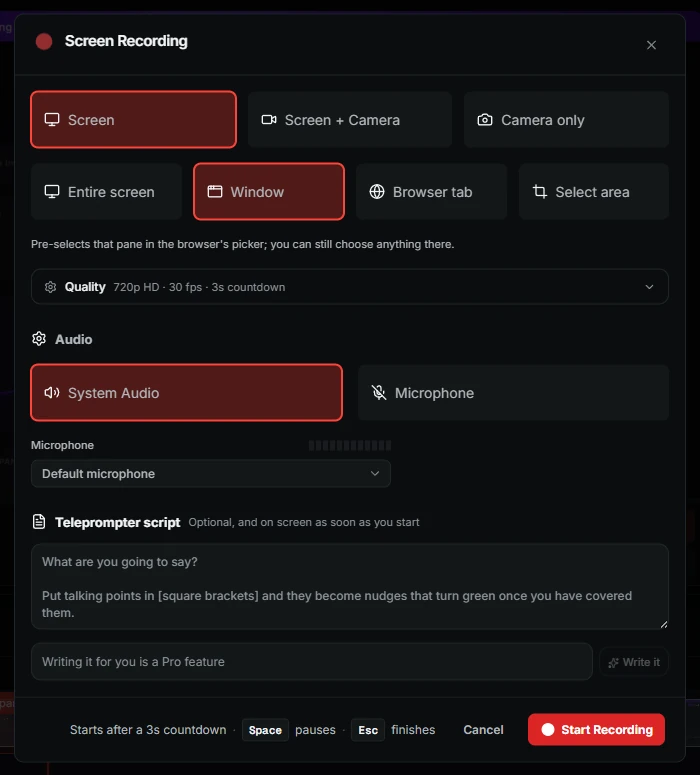
When you press Stop in the recorder, the file is already on its way. It streamed while you were talking, so the watch page exists within a second or two, with your title, a transcript on the way, and a link you can hand to someone before you have finished your coffee.
One take on the timeline. The highlighted stretch is the part that will change for each viewer.
Mark the seconds, write the instruction
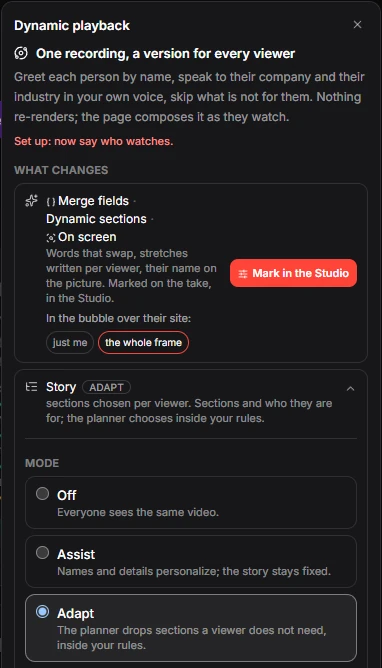
Personalisation in ShowShot is not a template with a merge field. It is an instruction attached to a stretch of your video. You select the seconds where you say something like "you can see I added your company to our dashboard", and you tell the AI what should happen there:
Say the viewer's company by name, show their homepage in the player, and tie it back to the offer in the next sentence.
A dynamic instruction, written in plain words
That is the whole authoring step. No script tree, no per-viewer editing. The instruction lives on the timeline next to the take, and it is reused for everyone who opens the link.
What the viewer gets
When a link is opened with a viewer attached, the watch page asks the runtime for that viewer's version. The runtime already knows the viewer's company, website and name from wherever the link came from: a CSV you uploaded, a CRM push, an inbound webhook from your outreach tool, or a registration form on the page. The marked seconds are re-spoken in your voice, the screen shows their site, and the rest of the video is untouched.
- Your voice, their words. The re-spoken line uses your cloned voice, so the cut is invisible.
- Their screen, your layout. The camera bubble stays where you put it. Only the page behind you changes.
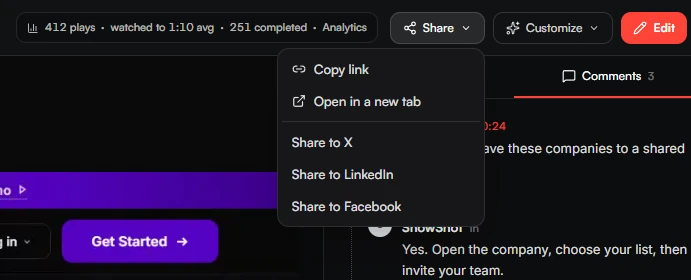
- One link per viewer. Every version has its own address, so the analytics stay honest.
Why the rest stays the same
It is tempting to personalise everything. We do not, on purpose. A viewer trusts a video that sounds like a person, and a person does not say your company name every fourth sentence. The strongest dynamic videos we have seen change one or two moments, and the moments they change are the ones a real salesperson would have changed anyway.
Where to start
Record a walkthrough you already give every week. Mark the one moment where you would normally mention who you are talking to. Write the instruction. Send five links. The replies will tell you the rest.
Free to try. Recording and sharing are free on every plan. Dynamic versions come with Plus and Pro, and the first ones are on us.